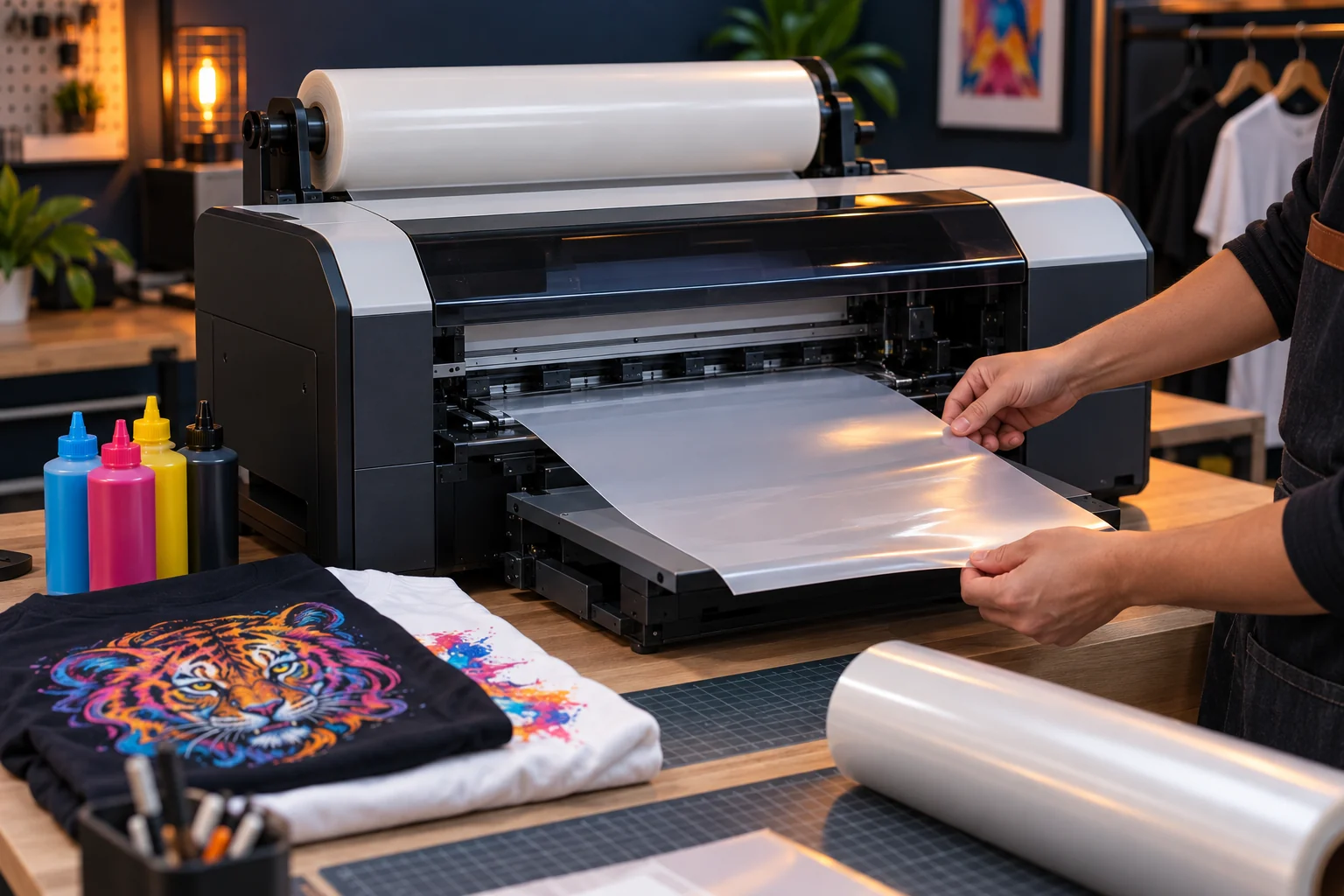
Prepare the workstation
Place the printer on a stable surface and follow the supplied setup instructions for unpacking, ink preparation, and film loading. The ZERNIQ A3 DTF Printer and the Starter Ink Bundle use the same printer driver and RIP software. The bundle includes the printer, an ink set, film, adhesive powder and cleaning solution; it does not require a different printer setup.
Install the supplied software
Download the Windows driver and SPIDE RIP package from Resources. Extract each ZIP before opening its installer. Follow the Installation Guide and connect the USB cable when the driver installer requests it. Use the printer configuration supplied for your machine; contact support if it is missing.
Check before your first job
Complete the model-specific startup checks and a nozzle check before a small test job. Do not start production until the software, printer output, and transfer materials have been checked together.
Installation readiness before a first job
Use the supported x64 Windows 10 or 11 environment described in the ZERNIQ installation guide. Check the published package hashes and keep security software enabled. The documented order is runtime prerequisites, printer driver and then the verified SPIDE package. Keep the supplied RIP license dongle available; do not format it or use it as ordinary storage.
Record the printer model, Windows system type, installed package versions, device-detection result and any exact installer error. Installation is not complete merely because a progress window closes: use the verification checks in the guide at each stage.
Separate software installation from print readiness
A working installer does not prove that the correct printer profile, ink setup or first output has been verified. Before printing, obtain the instructions for the actual printer, RIP version and materials. Keep curing equipment and a suitable heat press separate in your equipment checklist.
The ZERNIQ bundle confirmed by the owner contains the printer, ink set, film, powder and cleaning solution. Do not infer that a computer, curing oven or heat press is included. Quantities and capacities are not specified here.
Keep a support record and stop at an undocumented step
Save Windows and SPIDE versions, package identifiers, the device-detection result and a screenshot of an error. Do not bypass antivirus warnings, modify a license dongle or force an unsupported computer setup. If the profile or license state cannot be confirmed, stop before sending a print job.
A full first-print walkthrough still requires recorded SPIDE controls, license recognition, actual preview and output, and material-specific finishing instructions. These missing observations are not replaced by a generic DTF tutorial.
Check the verified installation prerequisites and packages.