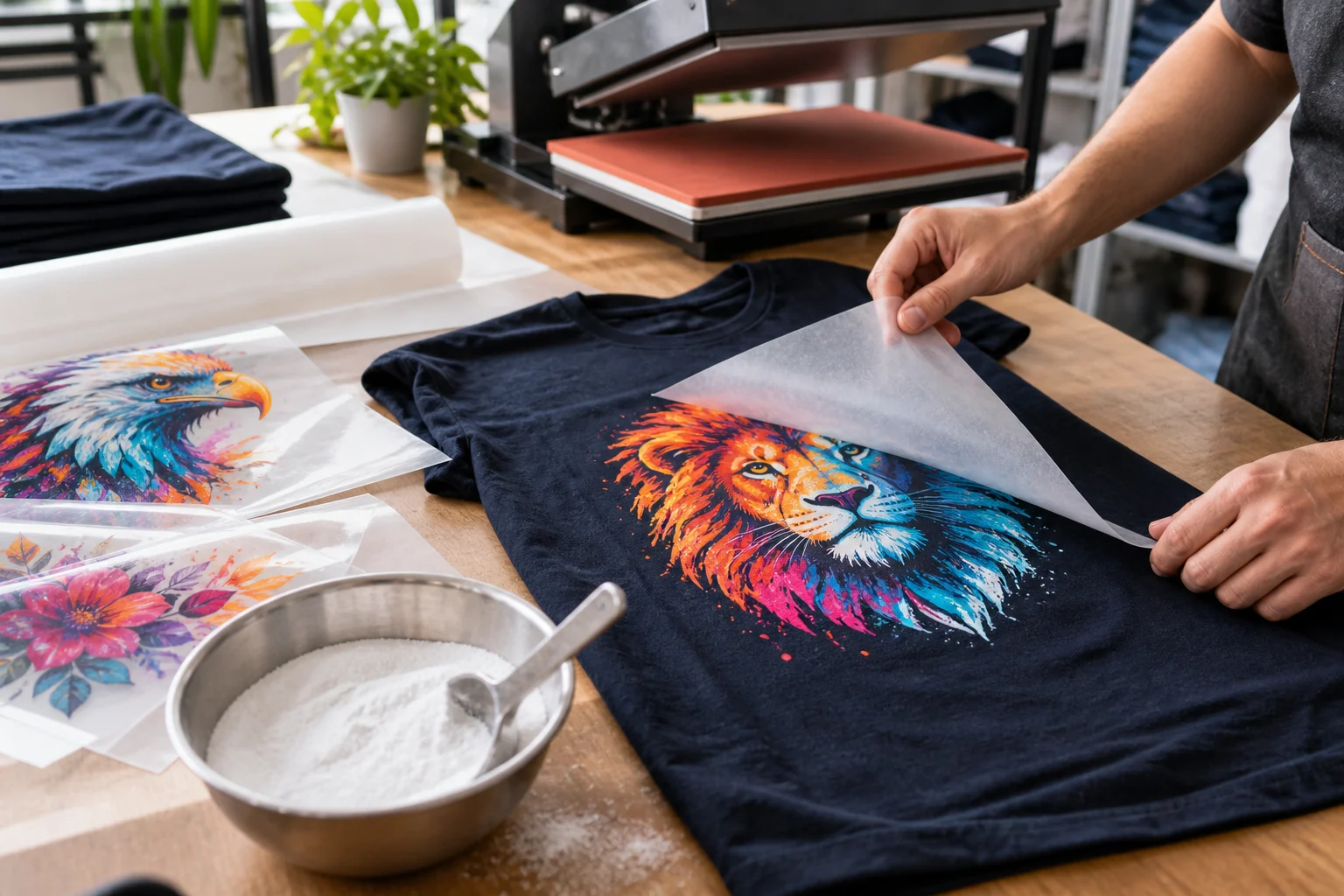
Print, powder, and cure
Prepare a small design in the RIP using the configuration supplied for your printer. Print onto compatible DTF film, apply the specified adhesive powder to the wet printed area, and remove excess powder. Cure the transfer using the instructions for that powder and film. A powder-curing oven prepares the transfer; it does not replace a heat press.
Press and peel for your film
Transfer the design onto a compatible garment with a heat press. Use the temperature, time, and pressure specified for the transfer materials and fabric. Peel according to the film instructions: some films are hot-peel and others require cooling. Do not treat cold peeling or one set of press settings as a universal DTF rule.
Check the finished sample
Inspect adhesion, edges, color, and feel before making a batch. Keep a record of the materials and settings that worked. Follow the material supplier's care and testing instructions before promising wash durability.
Build a first-transfer record before printing
Identify the printer, SPIDE version, original file, ink, film, powder and garment. Use the verified installation guide first. Obtain curing, pressing and peel instructions for the actual material combination; do not borrow numbers from a different film or another printer.
Keep the printer, curing equipment and heat press as separate stages. The confirmed ZERNIQ bundle supplies the printer, ink set, film, powder and cleaning solution; it does not establish that all finishing equipment is included.
Check each handoff rather than changing everything at once
Before sending the job, confirm the intended printer and supplied profile and preserve the RIP preview. Mirroring and white-layer controls need verification for your actual SPIDE version; do not apply an extra mirror operation simply because a generic guide recommends one.
After printing, retain a photo of the film before powder and curing. Check each later stage against the material instructions and record the settings actually used. Keep rejected samples separate. A missing white layer, uneven powder and a transfer defect should be recorded at the stage where each first appears.
Decide whether the test is fit to repeat
Label the completed sample with the file, materials and process record. Inspect placement, coverage and visible defects before considering customer production. Do not describe one successful-looking sample as proof of wash durability or production capacity.
Stop when the material instructions, license state or required controls are unknown, or when the sample is unsuitable. Send support the stage-by-stage record and the original and failed output. The complete button-by-button tutorial and numerical finishing conditions remain pending a documented hardware run.
Check the verified installation prerequisites and packages.
Contact support with your model and diagnostic record.