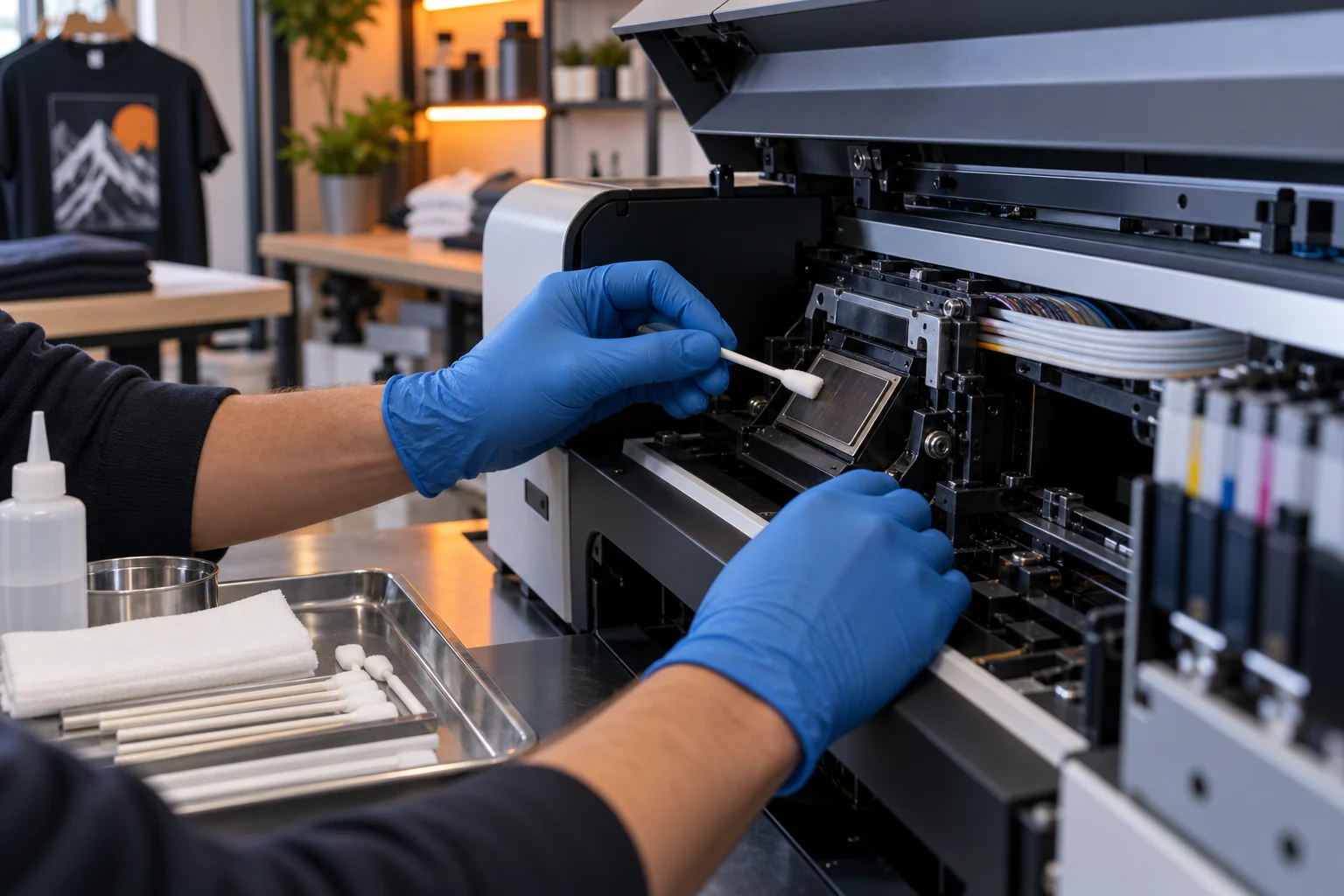
Follow the care instructions for your printer
White-ink care is part of a regular DTF routine, but circulation, agitation, cleaning, and idle-power instructions depend on the printer and ink system. Follow the instructions supplied for your ZERNIQ model. Routine care can reduce problems; it cannot guarantee that nozzles will never clog.
Check before you clean
Check the nozzle pattern and any printer messages before a job. Use only the cleaning method and fluid specified for the printer; do not improvise wiping the nozzle surface or repeatedly run cleaning cycles. If output remains incomplete, or the printer will be unused for an extended period, ask support for the next step.
When white ink is missing, identify the stage first
A missing white layer is a symptom, not a diagnosis. Before changing settings, record whether white is absent in the RIP preview, on the printed film, or only after curing and transfer. Those observations describe different stages and should not be treated as proof of a clogged printhead.
Write down the printer model, Windows and SPIDE versions, when the printer last produced an acceptable job, the ink identity and batch, and the film used. Keep the original file and take an unchanged photo of the failed output.
Check the record before choosing a maintenance action
Compare the selected printer and supplied profile with your installation record. Read the current ink and warning indicators without opening the ink system or changing service settings. Do not substitute another printer model’s maintenance sequence.
If ZERNIQ support provides a nozzle-check procedure for your exact model and software, save the complete pattern before further action. This article does not yet verify the button location or provide a normal ZERNIQ reference pattern. Banding alone does not establish which component has failed.
Change one verified variable and know when to stop
Use only the model-specific action confirmed by ZERNIQ support. Recheck the same file and materials after that action, and record the result. Do not combine profile changes, ink changes and repeated cleaning in one trial; the result would not show which action mattered.
Stop production when the warning cannot be identified, the output remains unsuitable, a leak or electrical fault is suspected, or the required procedure is not documented. Send support the model, version, error text, original and failed samples, and a short action log. Do not send license keys or customer artwork without permission.
What the references establish
The Epson references concern other printer models. They explain why nozzle-pattern evidence and model-specific white-ink care matter; they do not authorize a ZERNIQ cleaning recipe, cartridge-shaking instruction or cleaning frequency.
Check the verified installation prerequisites and packages.
Contact support with your model and diagnostic record.
ZERNIQ verified Windows installation guide
Epson Handling White Ink (different model)
Epson Nozzle Check Pattern Prints Incorrectly (different model)